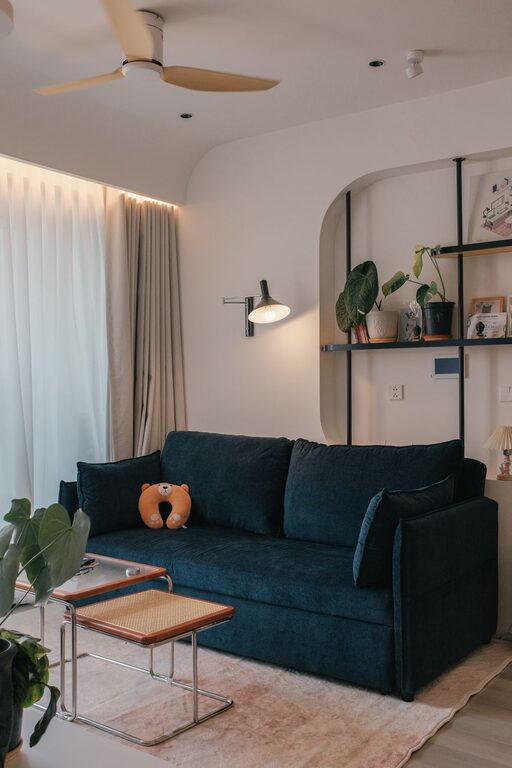

Creating a productive home workspace is essential for maintaining focus and efficiency when working remotely or managing tasks from home. Whether you have a dedicated home office or a small corner in your living room, organizing your workspace thoughtfully can make a significant difference in how you work. This guide shares practical tips to help you set up a productive environment tailored to your needs.
Understand Your Workspace Needs
Before arranging any furniture or supplies, consider what you use your workspace for most. Are you primarily using your computer, reviewing paperwork, or conducting virtual meetings? Knowing what activities you will spend the most time on will help you choose the right tools and design your layout efficiently.
Ask yourself:
– How much desk space do I need?
– What equipment or supplies are essential?
– Do I need storage for documents or tools?
– How much natural or artificial light will support my tasks?
Choose the Right Location
A quiet, well-lit spot is ideal for a home workspace. Here are a few tips when picking the right location:
– Natural Light: Position your desk near a window to benefit from natural light, which can enhance mood and focus. Avoid glare on your computer screen by placing your desk perpendicular to windows, not directly in front or behind.
– Minimal Distractions: Look for a place away from busy household areas. If noise is unavoidable, consider noise-cancelling headphones or a white noise machine.
– Comfortable Temperature: Choose a spot that stays at a pleasant temperature year-round to keep comfortable during long work sessions.
Invest in Ergonomic Furniture
Comfort is key to productivity, so prioritize ergonomic furniture:
– Chair: Choose a supportive office chair with adjustable height and lumbar support to reduce strain on your back and neck.
– Desk: Select a desk that suits your height and provides enough space for your equipment. Standing desks or convertible desks can offer flexibility for changing positions during the day.
– Monitor and Keyboard Placement: Keep your monitor at eye level and your keyboard and mouse close to avoid reaching. Proper positioning reduces fatigue and discomfort.
Declutter and Organize
A tidy workspace can help clear your mind and improve focus. Follow these steps:
– Clear the Surface: Keep your desk surface as clear as possible, only leaving items you use daily like your computer, a notebook, or a pen.
– Use Storage Solutions: Incorporate drawers, shelves, filing cabinets, or desk organizers to store papers, office supplies, and cables neatly.
– Regular Clean-up: Schedule a quick clean-up once a week to remove unnecessary items and reorganize your space.
Optimize Lighting
Good lighting reduces eye strain and keeps you alert:
– Layer Your Lighting: Besides natural light, use a combination of overhead lighting and task lighting such as a desk lamp.
– Adjust Brightness: Make sure your workspace has sufficient light without harsh glare. Lamps with adjustable brightness settings can be helpful.
– Avoid Screen Glare: Position lights to avoid reflections on your computer screen.
Personalize Mindfully
Adding personal touches can make your workspace more inviting, but avoid clutter:
– Display a few inspiring photos, artworks, or plants.
– Choose calming colors or decor that promote focus.
– Keep items organized using stylish baskets or containers.
Establish Clear Boundaries
Working from home can blur the lines between work and personal life. To maintain productivity:
– Set specific work hours and stick to them.
– Use the workspace only for work-related activities.
– Inform family or housemates of your work schedule to minimize interruptions.
– Take regular breaks away from your desk to recharge.
Utilize Technology and Tools
Leverage helpful tools to stay productive:
– Use cable management clips or tubes to keep cords tidy.
– Organize digital files clearly to reduce time searching for documents.
– Consider apps or calendars to plan your tasks and deadlines.
Maintain Your Workspace Lifestyle
Organization is an ongoing process, so make it part of your daily routine:
– Start and end each workday by tidying your desk.
– Regularly assess your setup and make adjustments to improve comfort and efficiency.
– Keep an open mind to try new organizational ideas or tools.
—
By following these tips, you can create a home workspace that encourages focus and allows you to work efficiently. Remember, a productive environment suits your personal needs and evolves with your work habits over time. Take the time to organize thoughtfully, and your workspace will become a powerful ally in your daily productivity.